
Label Anything Object Permission set Assignment
Assigning Ascent Label Anything Object Permission Set:
Log in to your salesforce org with the admin username/password
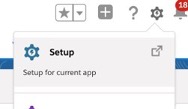
- Click on Setup
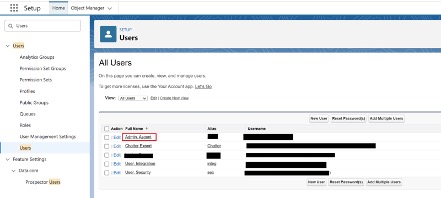
- Using the quick find, type in “Users” and select “Users”

- Select the user who has a Label Anything license assigned to him/her
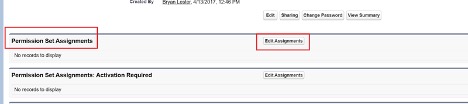
- Go to the user Permission Set Assignments section and click the “Edit Assignments” Button
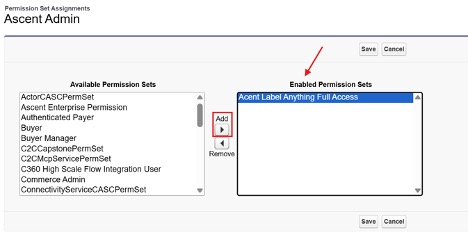
- Find Ascent Label Anything Full Access and select it
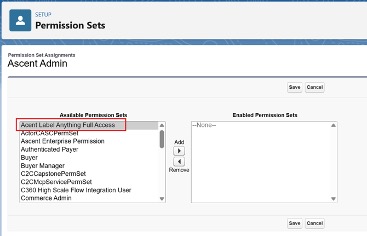
- Click the Add Arrow. Once clicked, the Ascent Label Any Full Access Permission set will be moved to the Enabled Permission Sets section
- Click Save
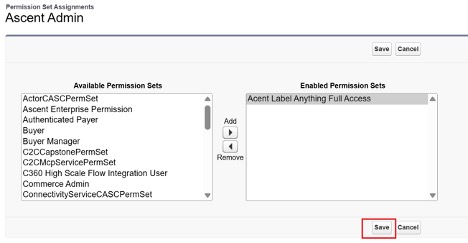
- The Permission set is added to that User
